

Get Taskpad And Work Smarter
Transform how you manage daily tasks with Taskpad. Download Taskpad and gain clarity, focus, and control over every project you handle.
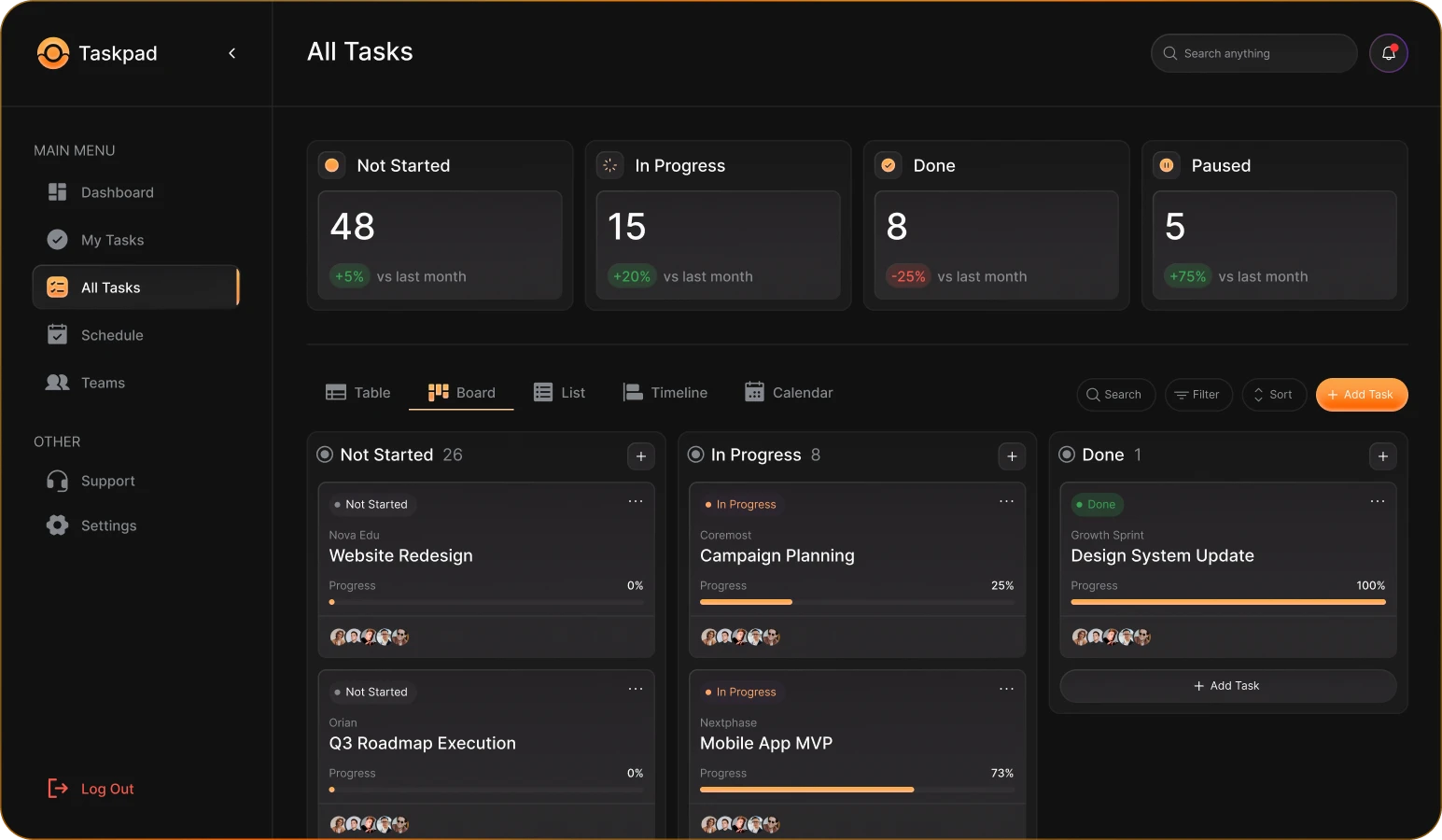
Get the Taskpad in 3 Steps
Create Account First
Sign up quickly using your email to unlock Taskpad’s AI-powered features.
Choose Your Plan
Select a plan that fits your workflow needs and productivity goals.
Download and Install
Install Taskpad on your device and start managing tasks instantly.
Taskpad Impact In Numbers
Taskpad continues to help teams and individuals work smarter through AI-powered task management. These numbers reflect how Taskpad drives productivity, efficiency, and smarter decision-making every day.
Frequently Asked Questions
How does Taskpad organize daily tasks efficiently?
Taskpad automatically groups tasks by priority, deadline, and workload to keep your day structured and focused.
Can Taskpad suggest task priorities automatically?
Yes, the system analyzes deadlines, dependencies, and activity history to recommend smarter task ordering.
Does Taskpad support team collaboration features?
Taskpad allows teams to assign tasks, share updates, comment, and track progress in real time.
Can Taskpad integrate with other tools?
Taskpad connects with calendars, communication apps, and productivity tools to streamline workflows.
Is Taskpad suitable for remote teams?
Yes, Taskpad is designed to support distributed teams with shared visibility and updates.
How does Taskpad track task progress clearly?
Visual timelines, status indicators, and completion insights help monitor progress easily.
Can Taskpad adapt to different work styles?
Users can customize views, workflows, and task structures to match personal or team preferences.
How secure is data stored in Taskpad?
Taskpad applies modern security standards to protect user data and access controls.